Maintenance
System Preferences → Maintenance has tools and configuration for operating and diagnosing a Trivore ID deployment.
SLA
Shows whether the deployment is currently In maintenance, and a history of past maintenance windows (start/end time, description, who started it), exportable. Begin maintenance starts a new window with a required description.
Event Logs
Configures Event Log retention — see Event Log.
MongoDB
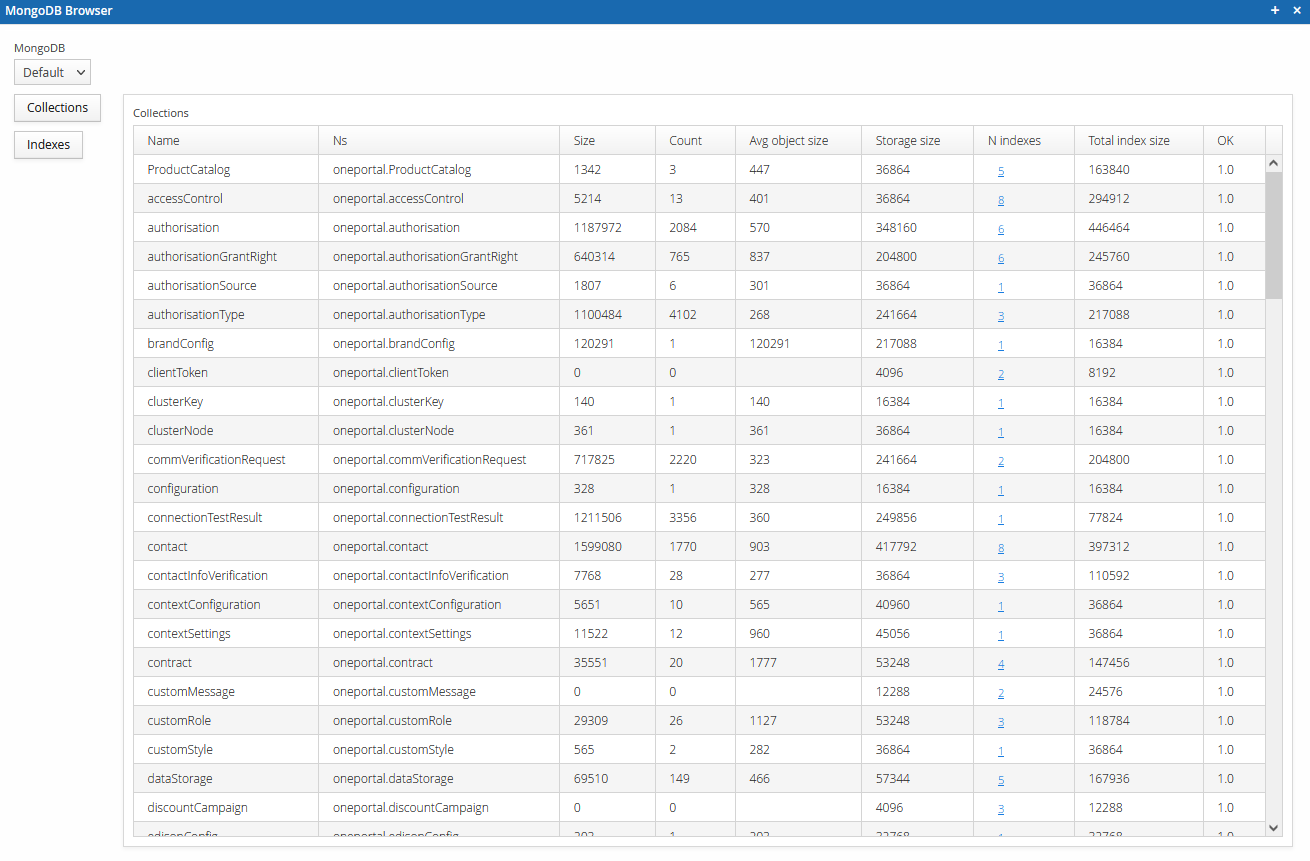
Open MongoDB browser — a read-only tool for browsing the deployment's MongoDB collections, their document counts, and storage sizes.
InfluxDB
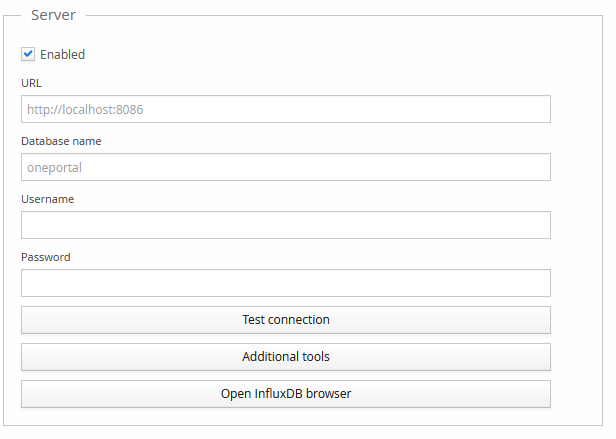
Enable and configure an InfluxDB connection for metrics collection: server URL, database name, and credentials, with tools to test the connection and browse the database.
Kafka
A read-only view of the deployment's Kafka connection configuration (servers, authentication, SASL mechanism, SSL), used for event streaming integrations.
Prometheus
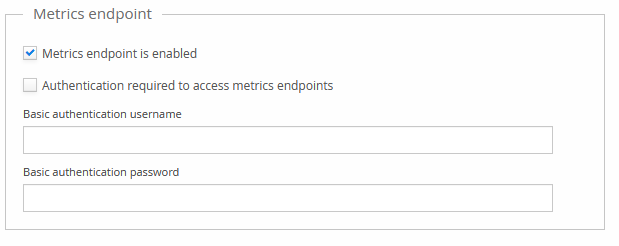
Enables the Prometheus metrics endpoint, served at /metrics (for example,
https://{your-id-server}/metrics). Basic authentication can be required to restrict access to
the metrics, and is recommended.
Uptime
Configures push-based uptime monitoring: when enabled, the deployment periodically calls an external Uptime push notification URL (with a configurable HTTP method) to signal that it's alive, for use with an external heartbeat/dead-man's-switch monitoring service.
System logs
View the latest version of important system log files directly, without needing separate server access.
Log configuration
Shows the logging configuration files in use, and diagnostic details about the active application logger.
Java
Read-only JVM diagnostics: classpath, specification and virtual machine details, startup time and uptime, memory usage, available CPUs, operating system, and the Java command line arguments the server was started with.
Service update tools
These tools are for post-update operations and other rarely needed upkeep tasks. Do not use without prior authorisation.
Includes a tool to normalise mobile numbers in the current namespace, and a view of the upgrade steps performed.
Sentry
A read-only view of the deployment's Sentry (error tracking) configuration.